What Actually Breaks on a Local Service Website
The same three faults turn up in trade and service sites, in the same order. What they are, what a rebuild changes, and the numbers I will not invent.
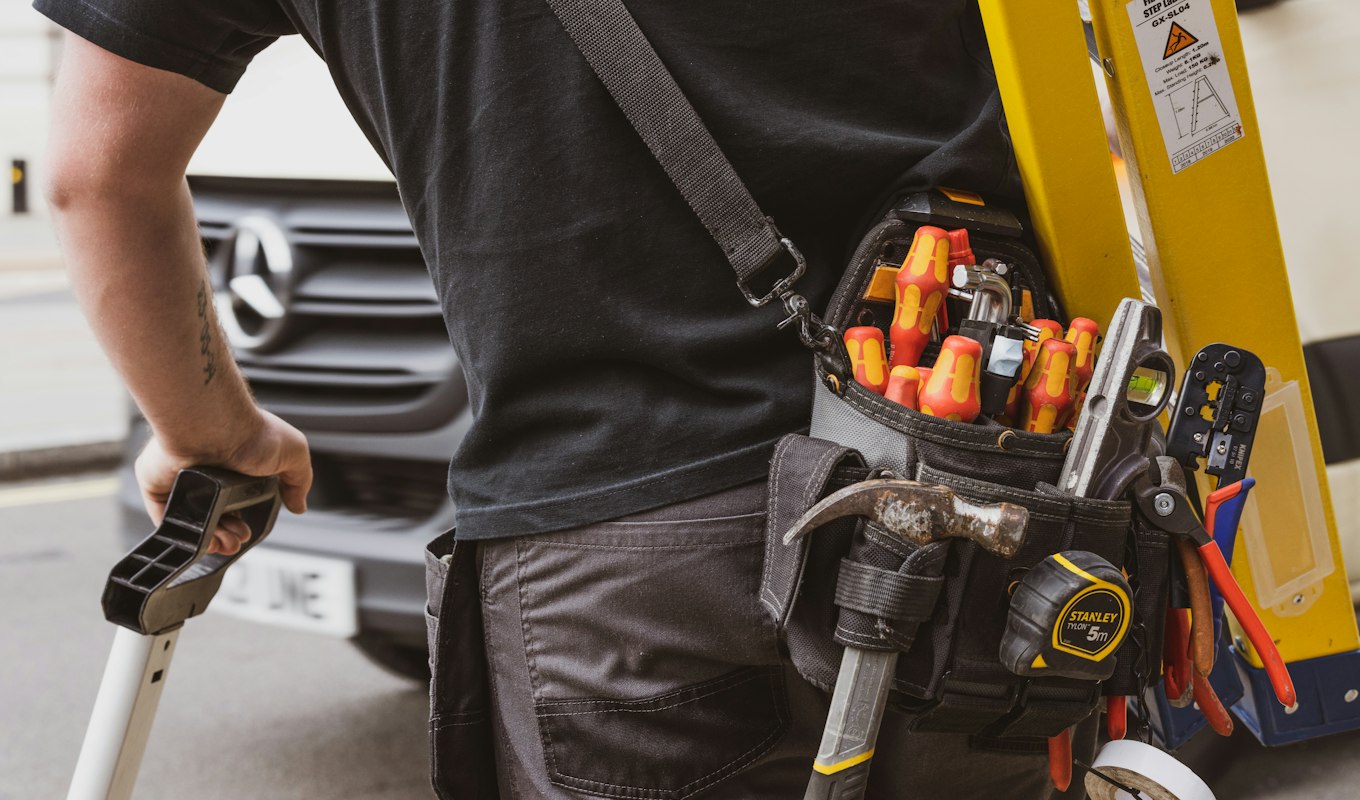
A plumber, a garage-door company and a pressure-washing crew have almost nothing in common as businesses and almost everything in common as websites. The same three things are wrong, in the same order, and none of them are the thing the owner asks about when they get in touch.
This is what I actually find when I rebuild one, drawn from trade and service sites I have rebuilt rather than from a survey. The clients are not named and there are no screenshots or links — the point here is the pattern, not whose site it was. Where I have no measured number I say so instead of inventing one, which turns out to be most of the time and is worth explaining at the end.
Problem one: two page builders stacked on each other
The most common thing I open up is not a badly designed site. It is a site built in one page builder, then partly rebuilt in a second one, with the first left installed underneath.
It happens innocently. The original build used whatever the first developer liked. A second person came along two years later, preferred something else, and rather than migrate the site they built the new pages in the new tool and left the old one active because three pages still depended on it. Now every visitor downloads the machinery of both.
The symptoms arrive together: slow loading, layouts that break in places nobody looks, and the giveaway — a stray horizontal scrollbar at the bottom of the page, which is almost always two layout systems disagreeing about how wide a row is.
What I do about it: not patch it. Adding a third tool to referee the first two is how sites get to this state. The rebuild goes onto a light structure with no page-builder overhead at all, keeping the brand and the content that works and replacing the structure fighting them. That is the boring answer and it is the one that holds — the reasoning is the same as in Core Web Vitals explained, where the fix is nearly always removing weight rather than optimising it.
Problem two: the phone number is not where the eye goes
In a trade business almost every job starts with a phone call, and the search that produces it — broken garage door, blocked drain, emergency electrician — happens on a phone, usually by someone mildly annoyed and in a hurry.
What they land on is frequently a homepage that opens with a large photograph and a slogan, with the phone number in a header that scrolls away, or — genuinely common — only in the footer.
What I do about it: move the three things a caller actually needs to where people look first. The phone number, tappable. What you do. Where you do it — the service area, in plain place names, because a visitor two towns over needs to know in one second whether you come out to them. That is the whole intervention, and it is usually the single highest-value change on the page.
Problem three: everyone lands in the same place
Service businesses rarely do one thing. A cleaning company does homes and commercial properties, decks and fences, concrete restoration. On most sites all of that sits under one “Services” list, so a commercial facilities manager reads copy written for a homeowner and quietly concludes you are not set up for their kind of job.
What I do about it: give each real audience its own track — its own page, its own language, its own examples — so a visitor lands on their own situation rather than a general list. This also happens to be how you rank for the narrower searches, because a page about one thing can be about that thing properly.
The same fix works outside the trades. One organisation I rebuilt was doing three jobs on one homepage — explaining a mission, selling books and printables, and administering a volunteer programme — with all three competing for the same attention. Splitting them meant a parent could read the mission, a teacher could buy resources on WooCommerce, and a volunteer could apply through a real form on the site rather than an email thread somebody had to track by hand.
What changed — and what I cannot tell you
Here is the part most case studies quietly skip, so I will be direct about it.
I do not have before-and-after numbers for these rebuilds. No “calls up 40%”, no “load time cut by 2.3 seconds”. Not because the work did not land, but because in most cases nobody was measuring before I arrived — there was no analytics, or it was installed the same week as the new site, which makes any comparison meaningless. A number invented to fill that gap would be the most persuasive thing on this page and also the least true.
What I can tell you is what changed, observably:
- Sites that were slow became fast, because the weight causing it was removed rather than compressed.
- Layouts that broke on phones stopped breaking, and the stray scrollbar went with the second page builder.
- The phone number, the services and the service area moved above the fold.
- Separate audience tracks stopped commercial enquiries reading residential copy.
- Existing five-star reviews got a section on the page instead of sitting below the fold, unread.
- At least one manual, inbox-based process moved onto the site, where it could be tracked.
The lesson I would actually take from this: if you are about to rebuild, spend twenty minutes first writing down what you can currently measure — calls per week, form submissions per month, whatever you have. It costs nothing, and it is the only way the next version of this page gets to have real numbers in it. It is the thing I now ask for before starting.
When a rebuild is the wrong answer
Two cases where I say don’t.
When the site is fine and the problem is that nobody visits it. A rebuild does not create demand. If the real issue is that you are invisible in local search, the money goes into being findable, not into a new layout — and the honest version of that conversation usually starts with your Google Business Profile, not with me.
When one page is the problem. If everything works except a slow, broken services page, fix that page. A full rebuild to solve one page is an expensive way to avoid a small decision.
If this sounds like your site
The tell is usually the scrollbar. If your site has a horizontal one on a phone, there is a good chance of two layout systems underneath, and a good chance it is slow for that reason rather than because of your images.
I do these as WordPress redesigns and, where the structure is the whole problem, as speed rebuilds — starting prices are on the pricing page with 30 days of support after launch. Named versions of these projects, with the clients and the before-and-afters, are in the portfolio.
Book a free intro call and send the URL. I will tell you which of the three problems you have, and if the answer is “none of them, your site is fine”, that is a useful thing to hear for the price of a conversation.
Key takeaways
- Two page builders stacked on each other is the most common cause of a slow, subtly broken trade site. A horizontal scrollbar on a phone is the tell.
- Phone number, services and service area belong where the eye lands first. It is usually the highest-value change on the page.
- Give each real audience its own track. A commercial buyer reading residential copy assumes you are not for them.
- Write down what you can measure before the rebuild. Without it, nobody can honestly tell you afterwards what it achieved.
- A rebuild does not create demand. If nobody visits, that is a different budget.