How to Show Before-and-After Work on a Service Website
Some work cannot be sold in words. Which format to use, how to shoot a pair that reads as proof rather than a trick, and what has to sit around it.
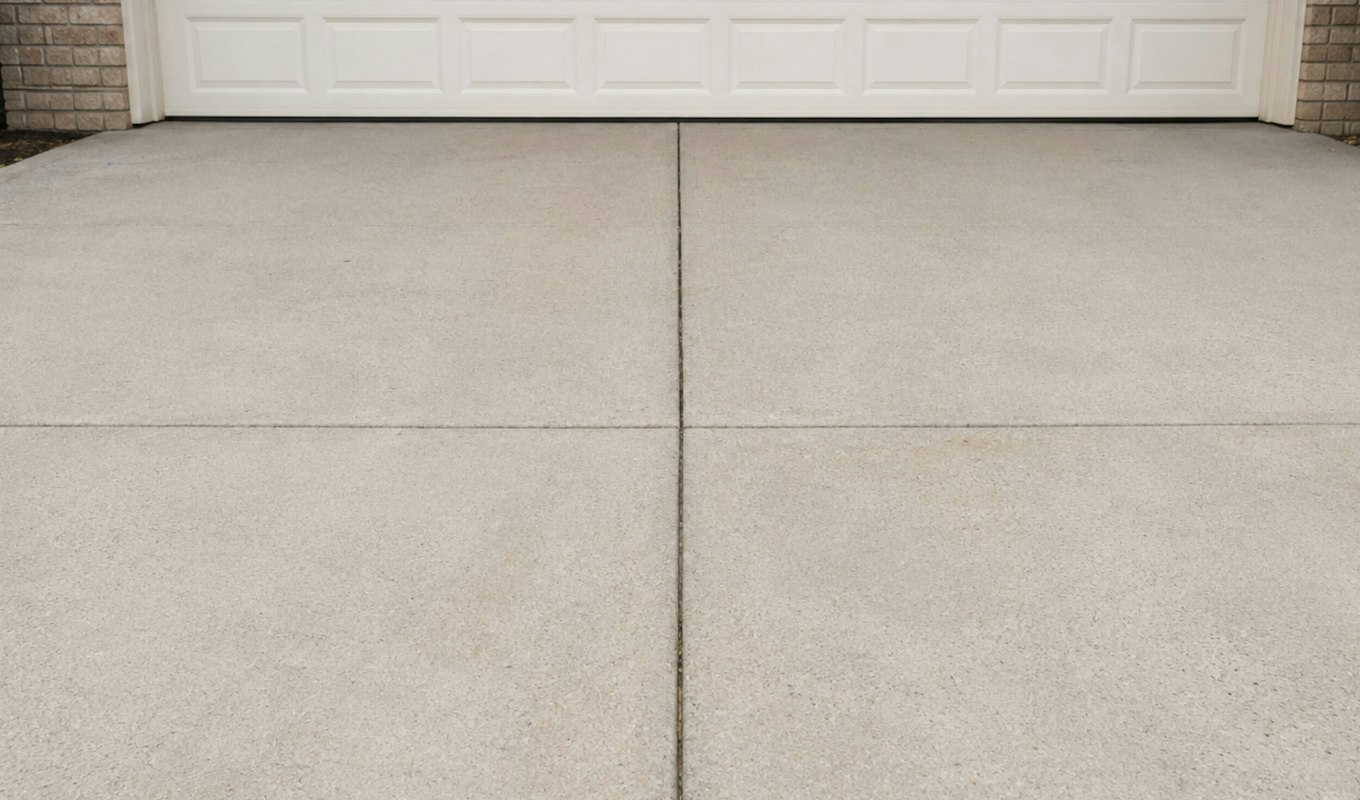
Some work is impossible to sell in words. “We clean driveways” reads exactly the same whether the crew is meticulous or careless, and every competitor in the category writes the identical sentence. Cleaning, restoration, painting, landscaping, detailing, renovation, dentistry — the result is dramatic in person and completely invisible in text.
For those businesses, before-and-after imagery is not decoration. It is the sales argument, and it is the most honest one available: it makes a claim you cannot make in an adjective and lets the visitor check it themselves.
This is what I have learned building it. The client is not named and there is no screenshot or link — the useful part is the pattern, not whose site it was.
The three ways to show it, and what each is for
| Format | Best for | Weakness |
|---|---|---|
| Two photos side by side | Speed to build, and galleries of many jobs | The eye compares two small images badly; the difference reads as smaller than it is |
| Drag-to-reveal slider | One hero example that has to land in a second | Needs the same framing in both shots, or it looks like a trick |
| Short video pan | Work where the change is spatial, not surface | Heavier, and most people will not press play |
On a pressure-washing site I built, the centrepiece is a drag-to-reveal slider: you pull a handle across the image and watch the concrete change under your finger. It works better than the side-by-side version for one specific reason — the visitor performs the comparison themselves. They are not being shown a difference, they are finding it, and a thing you discovered feels considerably more true than a thing you were told.
It is also the cheapest trust you will ever buy. The standard of the work is legible in about a second, without a single claim being made about it.
The thing that decides whether it works: identical framing
A slider only reads as honest if the two photographs are the same photograph apart from the work. Same position, same height, same angle, same lens, and — the one people miss — similar light.
Shoot the “before” in flat morning shade and the “after” in bright afternoon sun and you have produced a slider that demonstrates the weather. Worse, a sceptical visitor notices, and now the question in their head is whether you are exaggerating — which is a far more expensive thought than the one you were trying to prevent.
The practical routine that solves it, and it costs nothing:
- Mark your feet. Take the before shot, and take note of where you stood — a paving joint, a doorway edge. Stand there again at the end.
- Same device, same orientation, no zoom. Zoom changes the perspective and the pair stops matching.
- Shoot the before on every job, even the unglamorous ones. You cannot go back for it. The best slider on a site is almost always a job nobody expected to photograph.
- Do not retouch. If the after needs editing to look good, the photograph is the problem, not the work.
Tell the crew this once and you will have a year of usable material without anyone doing extra work.
Where to put it, and what has to sit around it
One hero slider near the top of the page, on the thing you most want to sell. Not a wall of twelve — after the second, the visitor has understood the point and is scrolling past evidence you paid to produce.
Then three things around it, which is where most implementations stop too early:
- A quote button within reach of it. The slider creates the moment of belief. If acting on it requires scrolling to find a form, the moment is spent.
- A “what actually happens” section. A four-step process — you call, we look, we quote, we do it — answers the questions that otherwise arrive as a hesitant first phone call, and removes the fear that someone will turn up and improvise.
- An FAQ that handles the awkward ones. How long it takes, whether you need to be home, what happens if it rains, whether it damages the surface. These are the objections people will not phone to ask.
On the site I am describing, that combination — slider, separate service tracks, process, FAQ, quote buttons throughout — is the whole page. There is very little persuasive writing on it, and it does not need any.
The performance trap
Before-and-after imagery is, by definition, twice the photographs, usually at full width, usually above the fold — which is exactly the recipe for a slow first load on the page you most need to be fast.
What keeps it quick: modern image formats rather than straight-from-the-camera JPEGs, images sized to the space they occupy instead of being scaled down in the browser, dimensions declared so the layout does not jump while they arrive, and lazy loading for every pair below the first one. The hero pair loads eagerly; everything else waits until it is scrolled towards. Why this matters beyond taste is in Core Web Vitals explained.
It is worth doing properly, because the audience for this content is disproportionately on a phone, outdoors, on mobile data, looking at a mess they want dealt with.
What I can and cannot claim
To be straight about the evidence: I do not have a measured conversion figure for the slider. There was no meaningful before-and-after measurement in place, and quoting a lift I did not measure would be exactly the sort of unverifiable claim this article argues against.
What I can say is structural and checkable: the standard of the work became visible in about a second without a claim being made; the separate service tracks stopped commercial enquiries reading residential copy; and the process section answered questions that used to arrive as a hesitant first phone call. If you want the number, put the measurement in first — which is the advice I now give before any rebuild.
When not to bother
If the change is genuinely subtle, a slider undersells you — the visitor drags it, sees almost nothing, and concludes the work is marginal. Some jobs are better proved with a close-up detail shot, or a number, or a warranty.
And if you have no photographs, do not fake it with stock. A stock before-and-after is recognisable, and being caught doing that costs more than having no images at all. Start the routine above today and build the page in three months with your own work on it.
If you want this built
It is part of an ordinary redesign or a custom build rather than a separate line item — prices are on the pricing page, with 30 days of support after launch. The wider pattern of what tends to be wrong on these sites is in what actually breaks on a local service website, and the named projects, with the real before-and-afters, are in the portfolio.
Book a free intro call and bring your photos — even the ones on your phone. Whether you have a usable pair is usually obvious in about a minute, and it decides what the page should look like.
Key takeaways
- A drag-to-reveal slider beats side-by-side because the visitor performs the comparison themselves.
- Identical framing and similar light decide whether it reads as proof or as a trick. Mark your feet, same device, no zoom, no retouching.
- One hero pair, not twelve. Put a quote button within reach of it.
- Surround it with a four-step process and an FAQ — they answer what people will not phone to ask.
- Two full-width images above the fold is a speed problem. Right formats, right sizes, declared dimensions, lazy-load the rest.