AI Automation for Clinics and Dental Practices
No-shows and the front-desk phone are the two big leaks. What to automate around patient care, and the data handling that makes health automation different.
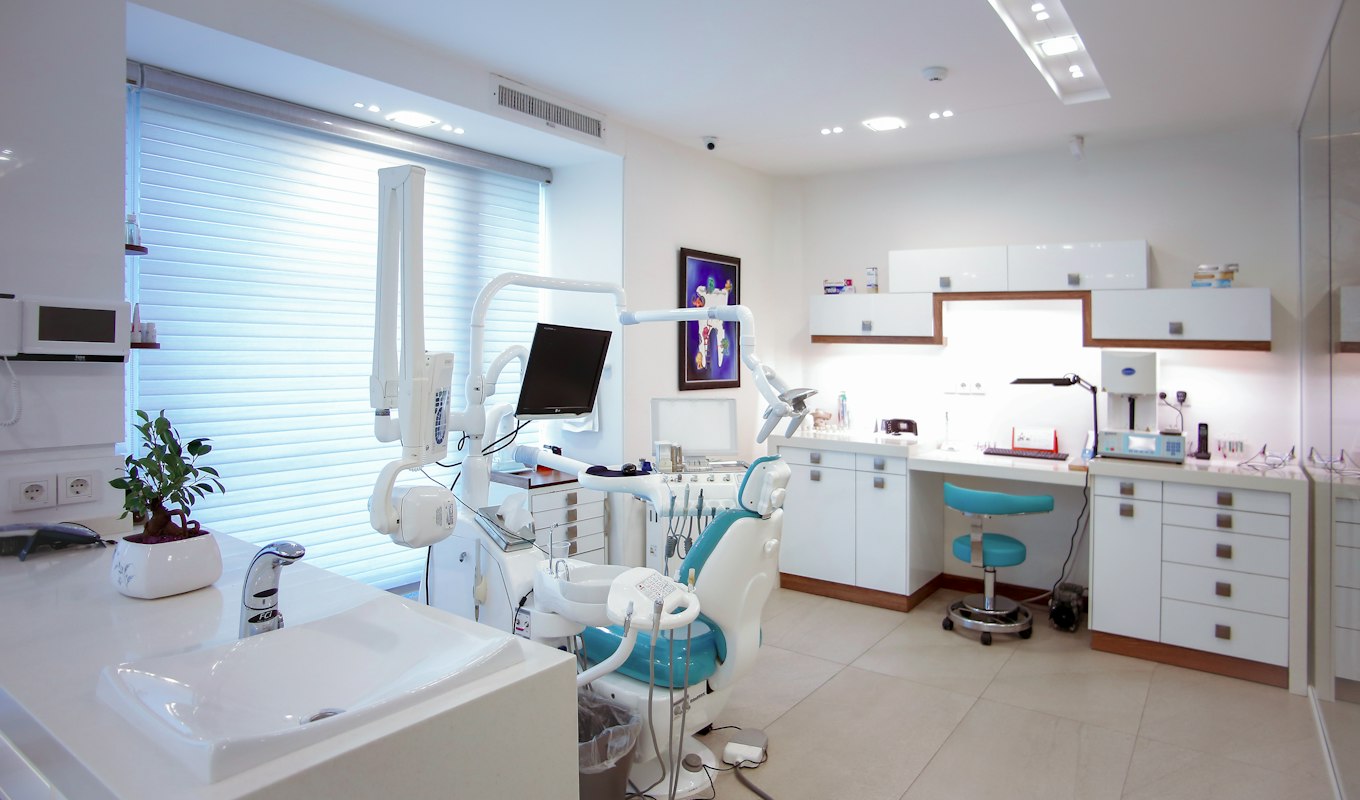
A clinic’s bottleneck is almost never clinical. It is the front desk: a phone ringing through appointments, an empty chair because someone forgot, forms being filled in on a clipboard in the waiting room, and a recall list nobody has had time to work through. All of that is automatable. But health data changes how it has to be built, so this one comes with a longer section on the constraints than the other guides on this site — and that section is the important half.
No-shows are the measurable one
An empty chair is revenue that cannot be recovered later, because tomorrow already has its own appointments in it. The standard fix is a reminder sequence: a confirmation when the appointment is booked, a reminder a day or two before, and a short nudge on the morning.
The part practices under-build is the reschedule link. People do not miss appointments because they forgot — often they remembered and could not face the phone call to cancel, so they simply did not come. Making cancellation genuinely one tap feels like inviting cancellations. It is the opposite: it converts a silent no-show, which costs you the slot, into a freed slot with notice, which you can refill.
Which leads to the automation that pays for the whole project: waitlist backfill. When a slot frees up, the workflow offers it automatically to waiting patients in order, first to accept takes it. No phone calls, no gap in the day.
The rest, ranked
- Recalls and recare. Dental practices in particular sit on a long list of patients due for a check-up. Working that list is a job that belongs to nobody, so it doesn’t happen. Automated, personal, well-timed recalls are the highest-return workflow in most practices because the patients already trust you.
- Intake before the visit. Medical history, consent, insurance details, completed at home on a phone and already in the record when the patient arrives. Saves ten minutes per appointment and removes the transcription step where errors enter.
- Front-desk phone deflection. Opening hours, parking, which insurers you accept, what a hygiene appointment costs, where exactly you are. None of it clinical, all of it interrupting someone mid-appointment. This is what a chatbot is genuinely good at.
- Post-treatment follow-up. Aftercare instructions timed to arrive when they matter, a check-in message, and — only where it is appropriate and permitted — a review request. Timing does the work: the same message sent two weeks later gets ignored.
- Billing, claims and payment chasing. Ordinary finance admin with an unusually high error rate, because insurance rules are fiddly. The same reminder ladder used for invoices applies to patient balances.
What must never be automated
Anything clinical. Symptom questions, triage, whether someone should come in, what a result means, whether pain after a procedure is normal. Not because a model cannot produce a plausible answer — because it can, and a patient will read a confident answer as advice no matter what the disclaimer underneath it says.
The rule I build to is one sentence: the bot answers questions about the practice, never about the patient. Hours, prices, location, insurers, how to prepare for an appointment — fine. Anything about a body goes to a human, immediately and without a detour. That boundary is the same one described in what an AI chatbot can and can’t answer, drawn considerably tighter.
Patient data changes the engineering
Health information is special-category data under GDPR and protected health information under HIPAA. In practical build terms that has four consequences.
- Minimise ruthlessly. A reminder needs a name, a time and a channel. It does not need the treatment. Most health-data exposure comes from sending more than the task required.
- Self-hosting stops being a preference. Running the automation engine on infrastructure the practice controls means patient details never traverse a third-party platform you cannot audit — self-hosting n8n is straightforward and this is the clearest case for it.
- Keep identifiers out of AI prompts. Where a model is involved at all, it should see the minimum necessary and preferably nothing that identifies a person.
- Keep the paper trail. Consent for the channel you are messaging on, a record of what was sent, and a retention policy that actually deletes things.
I am not your compliance advisor, and the specifics differ by country and by regulator — get proper advice before you go live. But the posture above is what I would build for a clinic regardless of who was asking, because it is also just the correct way to handle it.
What it costs and where to start
A single workflow — reminders with reschedule links, or waitlist backfill — starts around $600 and is usually live in three to five days. Reminders, recalls, intake and backfill wired together into the practice management system is $1,800-tier work. A front-desk chatbot handling the non-clinical questions starts at $900. Everything is on the pricing page, and both build types include 30 days of support after launch; I use n8n, self-hosted, for exactly the reasons above, and the chatbot builds run on your own API keys.
Where to start: pull last month’s no-show count and multiply it by an average appointment value. That is the number the first workflow is competing against, and in most practices it settles the question immediately. Book a free intro call and we can go through it.
Key takeaways
- Make cancelling one tap. It converts silent no-shows into slots you can refill, which is what waitlist backfill then does automatically.
- Recalls are the highest-return workflow in most practices, because those patients already trust you.
- The bot answers questions about the practice, never about the patient. No clinical content, ever.
- Minimise what each message carries, self-host the engine, keep identifiers out of prompts, and keep a real retention policy.